
Mar 30
Clarify close (x) button in inspect
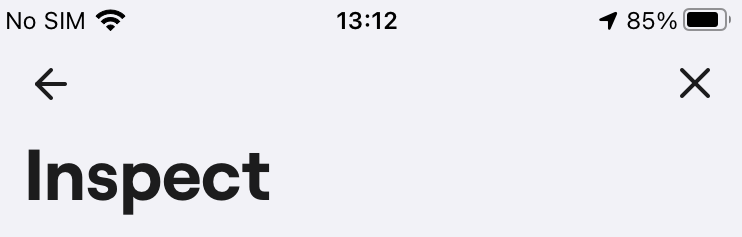
We got shakes from users, that in inspect view it is not clear for them, that if they tap x, they close the whole bug report not just the inspect paige. Because of that they loose their previously written report and screenshots. Is there a way to clarify better the logic in this view to avoid bad user experience?
Pending
Thanks for the input Barbara Jeney 👑, , it's super useful. We have discussed it internally (pros and cons) and we'll leave the meeting notes public for later reference: - for now, in majority of cases the "Inspect" functionality is used by teams only internally (by professionals) and is usually not enabled in production - The "X" in the top right corner probably has to stay there to allow users to quickly leave Shake at any point (not to cause frustration *"Why can't I get out of this thing?"*) - In other apps, the "X" in the top-right corner is usually used for abandoning so for now we believe its position is fine - if we start developing further feature improvements, it will presumably be towards this UX: Tap "X" → ONLY IF user has **manually** edited the ticket (as you mentioned — written something, drawn on the screenshot, attached something) → Ask them *"Are you sure?"*. Or we might even connect it with this cool feature: https://feedback.shakebugs.com/feature-requests/p/save-repor… For the time being, we need to wait a bit more for more teams to chip in and report that it bothers them too. Thanks for everything and have a great day, Peter